SMS Settings
Configure SMS providers and monitor SMS message history.
Configuration
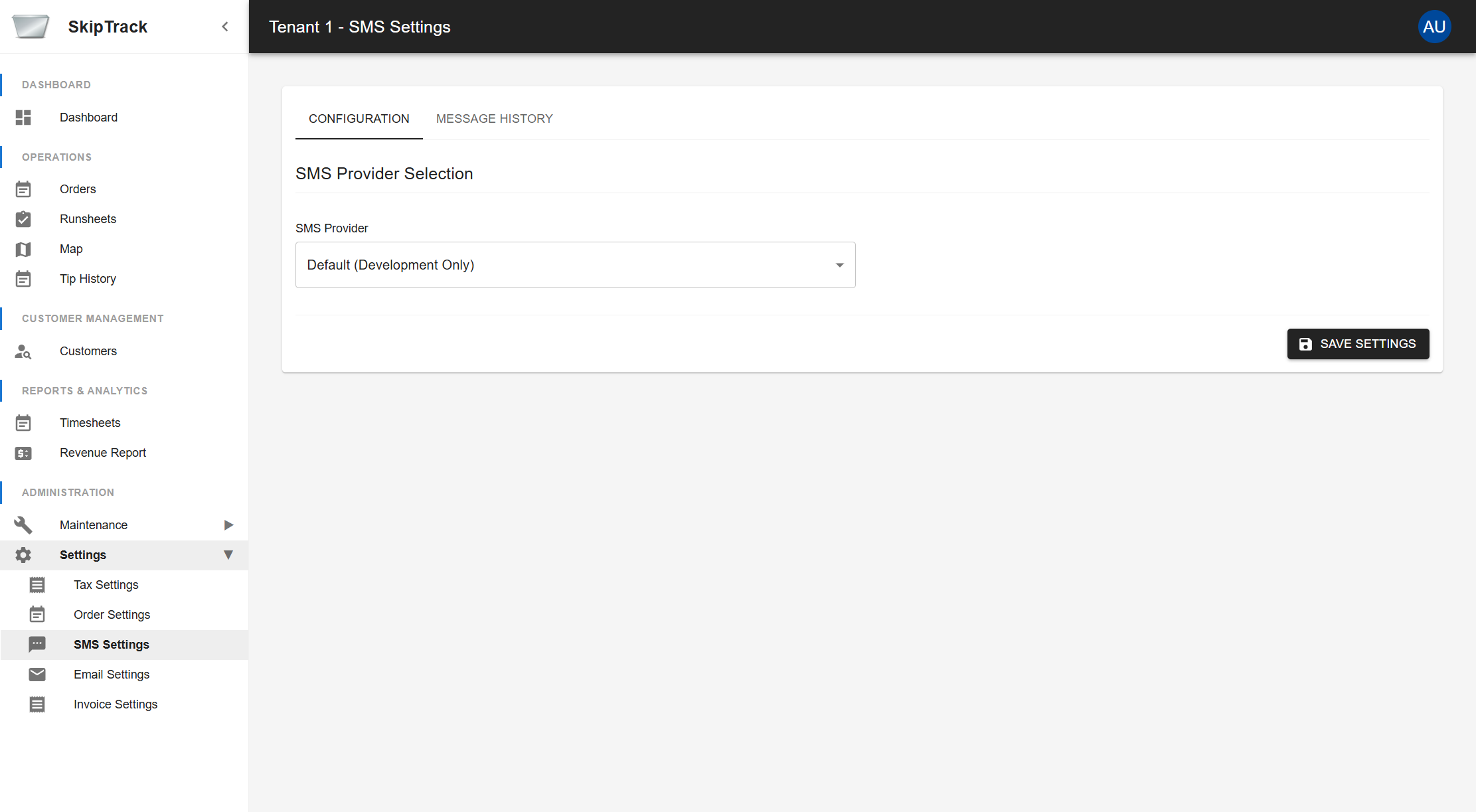
SMS Provider Selection
SkipTrack supports multiple SMS providers for sending messages to customers. Choose the provider that best fits your business needs:
Available Providers:
-
Default (Development Only)
- Used for development and testing purposes
- No additional configuration required
- Messages are not actually sent externally
- Recommended only for testing environments
-
Notifyre
- Professional SMS service provider
- Requires API key configuration
- Suitable for production environments
- Provides reliable message delivery
Notifyre Configuration
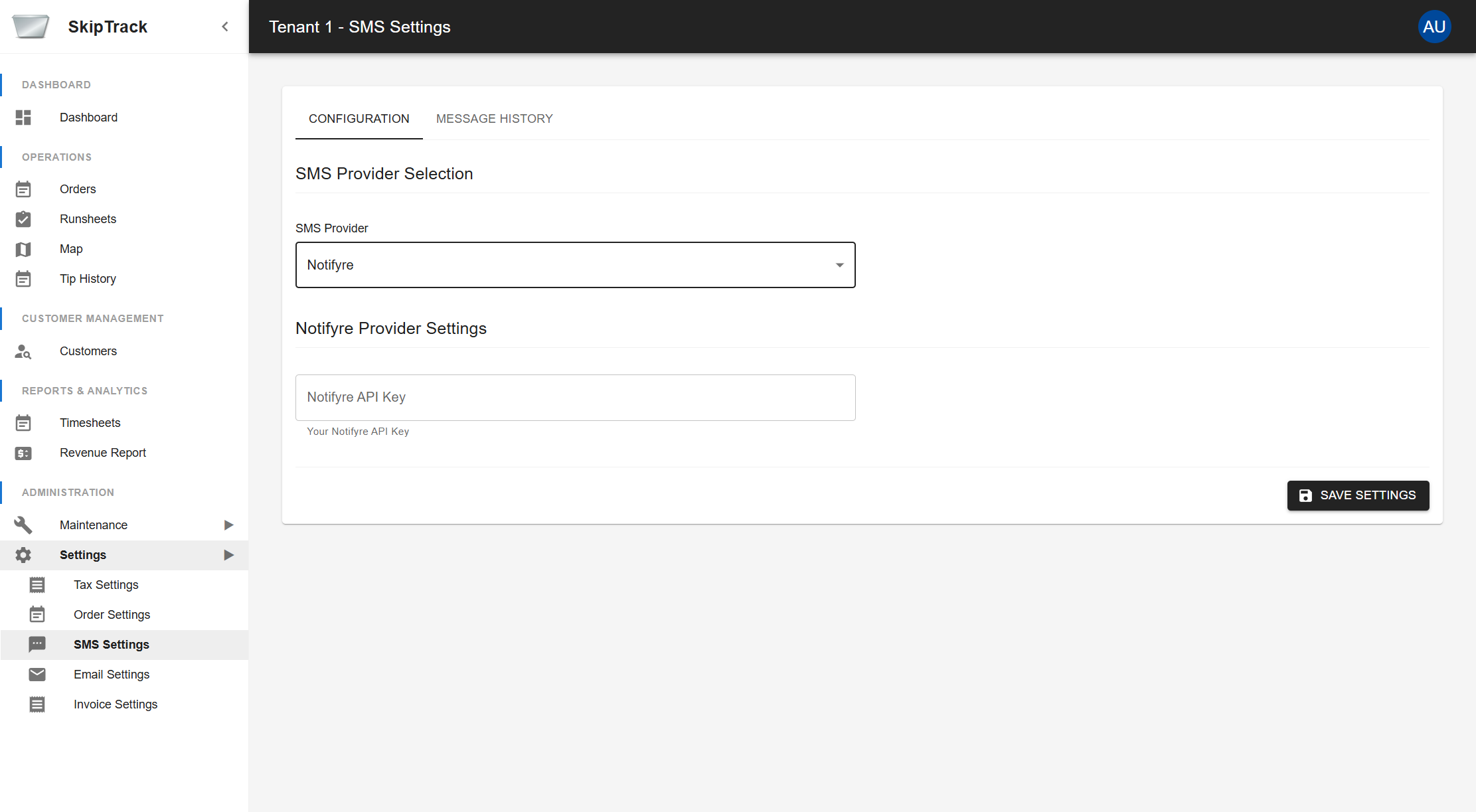
When you select "Notifyre" as your SMS provider, additional configuration options appear:
Notifyre API Key
- Enter your Notifyre API key obtained from your Notifyre account
- This key authenticates your SkipTrack system with the Notifyre service
- Keep this key secure and do not share it publicly
Setting up Notifyre:
- Sign up for a Notifyre account at their website
- Obtain your API key from your Notifyre dashboard
- Select "Notifyre" from the SMS Provider dropdown
- Enter your API key in the "Notifyre API Key" field
- Click Save Settings to apply the configuration
Message History
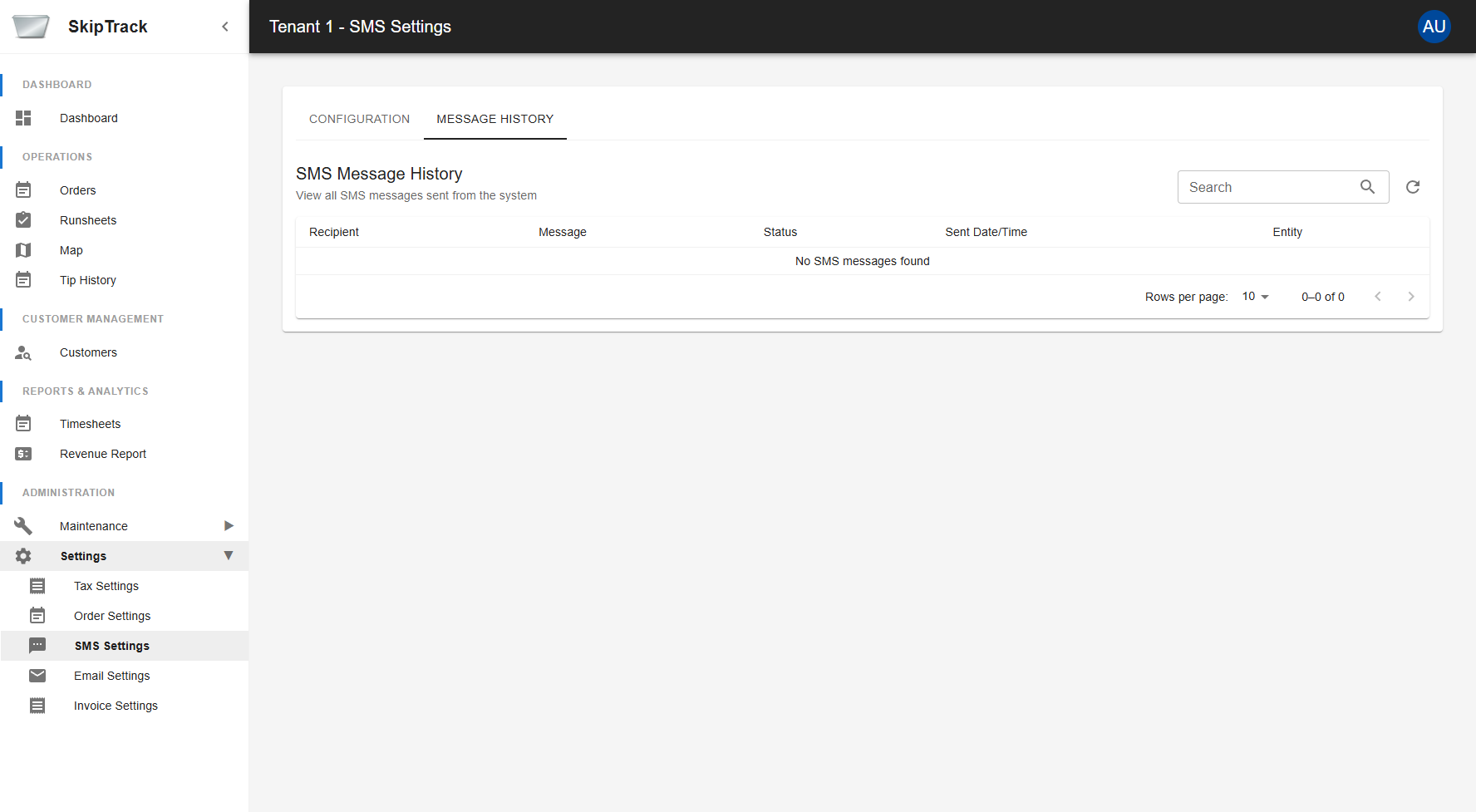
The Message History tab shows all SMS messages sent from the system including:
- Recipient: Phone number the message was sent to
- Message: Content of the SMS message
- Status: Delivery status of the message
- Sent Date/Time: When the message was sent
- Entity: Related order or entity information
Using Message History
- Search Messages: Use the search box to find specific messages by recipient, content, or other criteria
- View Details: Click on any message row to view full details
- Filter Results: Use the pagination controls to navigate through large numbers of messages
- Refresh Data: Click the refresh button to update the message list with the latest data
Message Status Types
- Sent: Message was successfully sent to the SMS provider
- Delivered: Message was delivered to the recipient's device
- Failed: Message failed to send or deliver
- Pending: Message is queued for sending
Navigation
Use the tabs at the top to switch between:
- Configuration: Set up SMS provider settings
- Message History: View and search sent messages