Email Settings
Monitor email message history and delivery status.
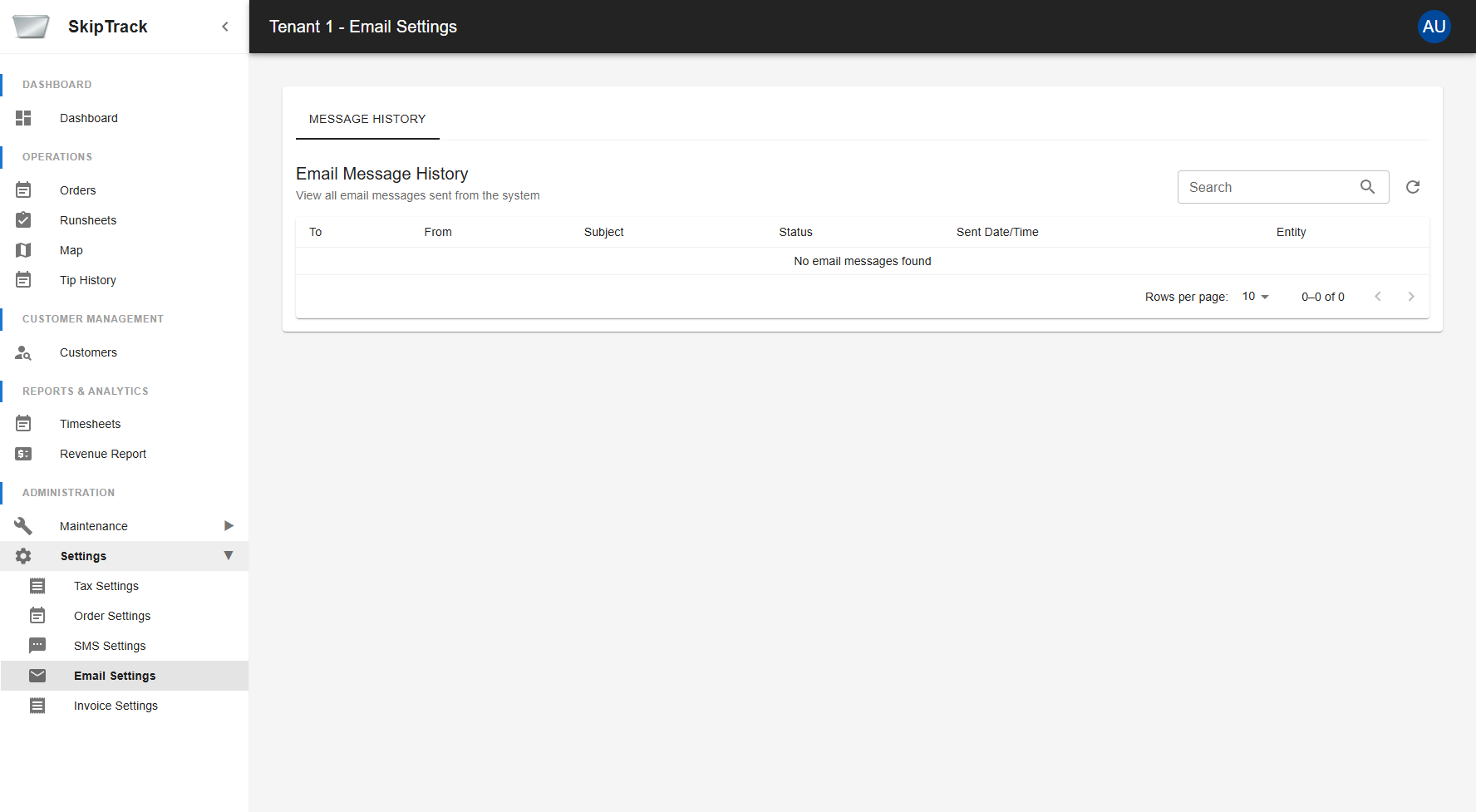
Email Message History
The Email Settings page provides comprehensive message history functionality showing all email messages sent from the system.
Message Information
Each email message displays the following information:
- To: Recipient email address
- From: Sender email address
- Subject: Email subject line
- Status: Delivery status of the email
- Sent Date/Time: When the email was sent
- Entity: Related order or entity information
Using Email History
- Search Messages: Use the search box to find specific emails by recipient, subject, or other criteria
- View Details: All message details are displayed in the table
- Filter Results: Use the pagination controls to navigate through large numbers of messages
- Refresh Data: Click the refresh button to update the message list with the latest data
Email Status Types
- Sent: Email was successfully sent from the system
- Delivered: Email was delivered to the recipient's inbox
- Bounced: Email bounced back due to invalid address or other delivery issues
- Failed: Email failed to send due to system or configuration issues
- Pending: Email is queued for sending
Pagination Controls
- Rows per page: Select how many messages to display (default: 10)
- Page navigation: Use the arrow buttons to navigate between pages
- Total count: View the total number of messages and current page range
Troubleshooting
If you notice emails with "Failed" or "Bounced" status:
- Check recipient email addresses for typos or invalid formats
- Verify email settings are properly configured in the system
- Review bounce messages for specific error details
- Contact system administrator if delivery issues persist