Settings Overview
The SkipTrack management interface provides comprehensive settings to configure your system according to your business needs. Access the settings by clicking on the Settings dropdown in the Administration section of the navigation menu.
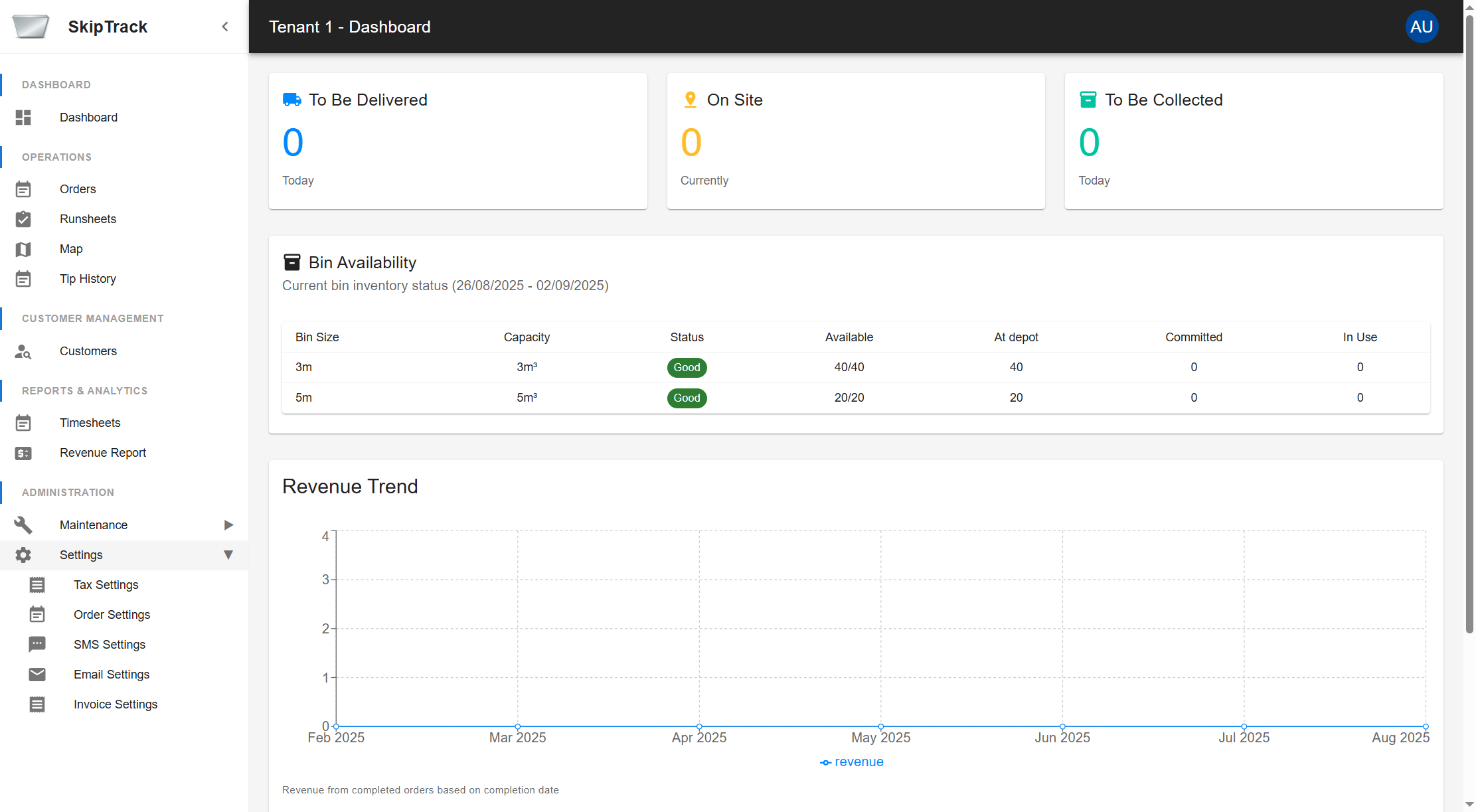
Available Settings
The settings are organized into five main categories:
- Tax Settings - Configure tax calculations and business tax information
- Order Settings - Customize order numbering, notifications, and bin availability
- SMS Settings - Configure SMS provider and view message history
- Email Settings - View email message history
- Invoice Settings - Set up company information and customize invoice templates
Navigation Tips
- All settings are automatically saved when you click the respective save buttons
- Changes take effect immediately after saving
- Use the Settings dropdown menu to quickly navigate between different setting categories
- Some settings may require additional configuration in related areas of the system
Select a specific settings category from the list above or use the navigation menu to explore detailed configuration options.